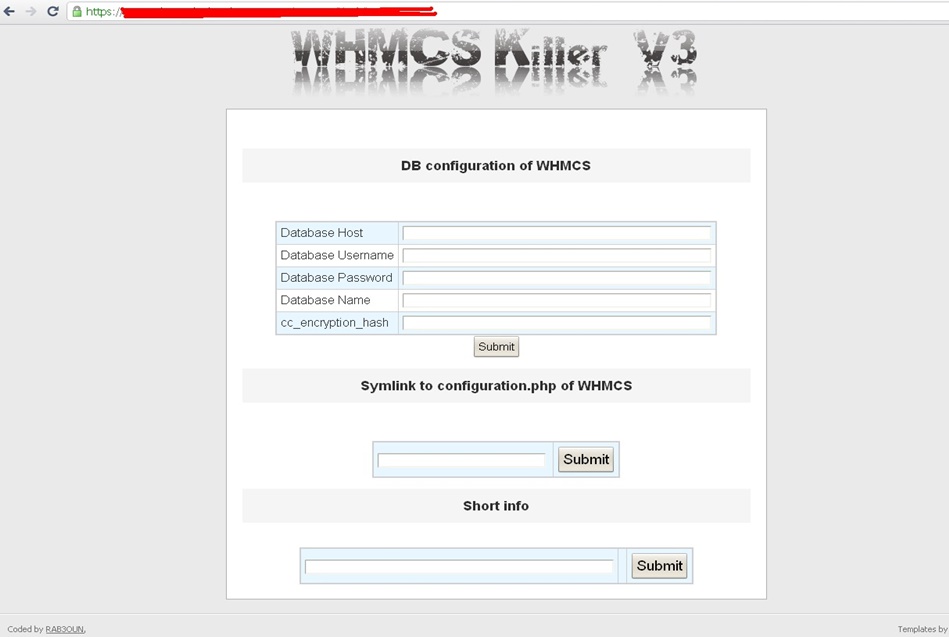
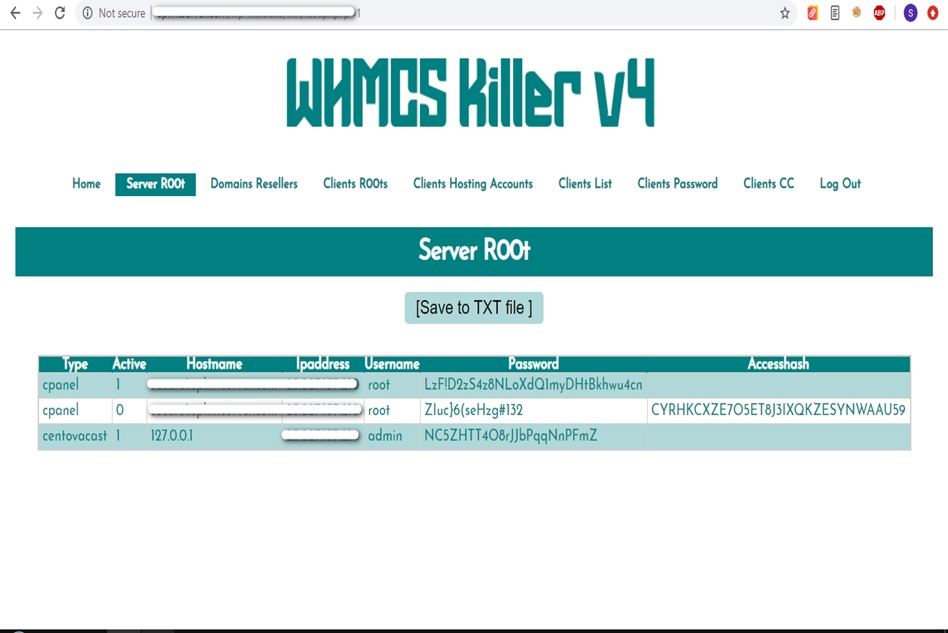
WHMCS Killer v4 Coded in Latest php version Tools Server R00t Domain Resellers Clients R00ts Clients Hosting Accounts Clients CC Clients Password NEw DEsign
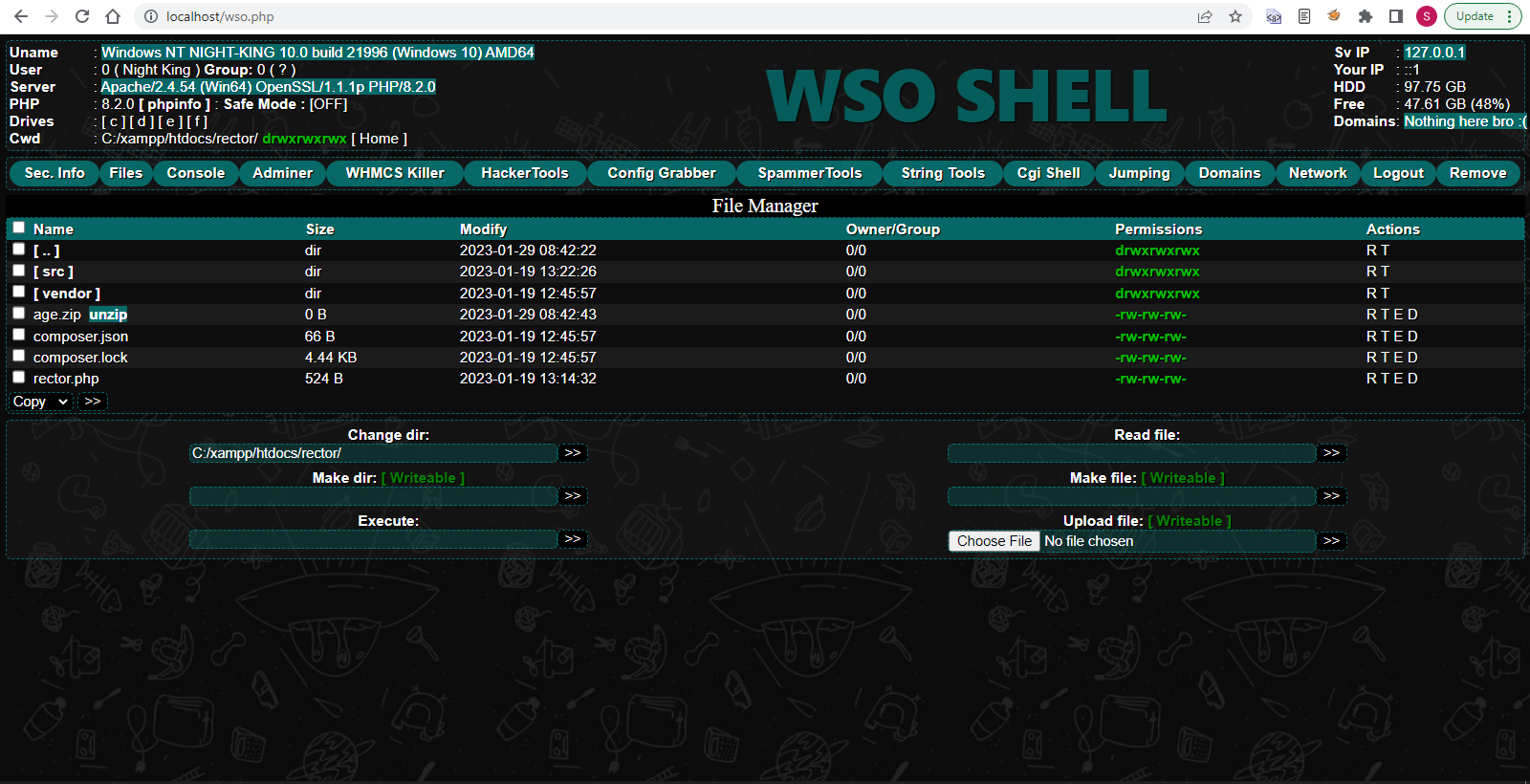
WSO SHELL 2023
[Hacker Tools] cPanel/WHM/WebMail Cracker - Create RDP - Getting Passwords - Finder .accesshash/WHM - Finder .my.cnf/cPanel - Auto Change Admin User WordPress/Joomla/OpenCart - Zone-h Poster - Install BackDoor [Spammer Tools] Create SMTP - Create Mailer - Mail Sending Checker - Redirects - Getting Emails-List - Emails-list Filter [Other Features] Adminer - WHMCS Killer v4 - Unzip - Config Grabber[Advanced] - Server Jumping - Cgi Shell - Back Connect - Domains List [Supported] php 5.x - php 7.x - php 8.x Password:dadsec
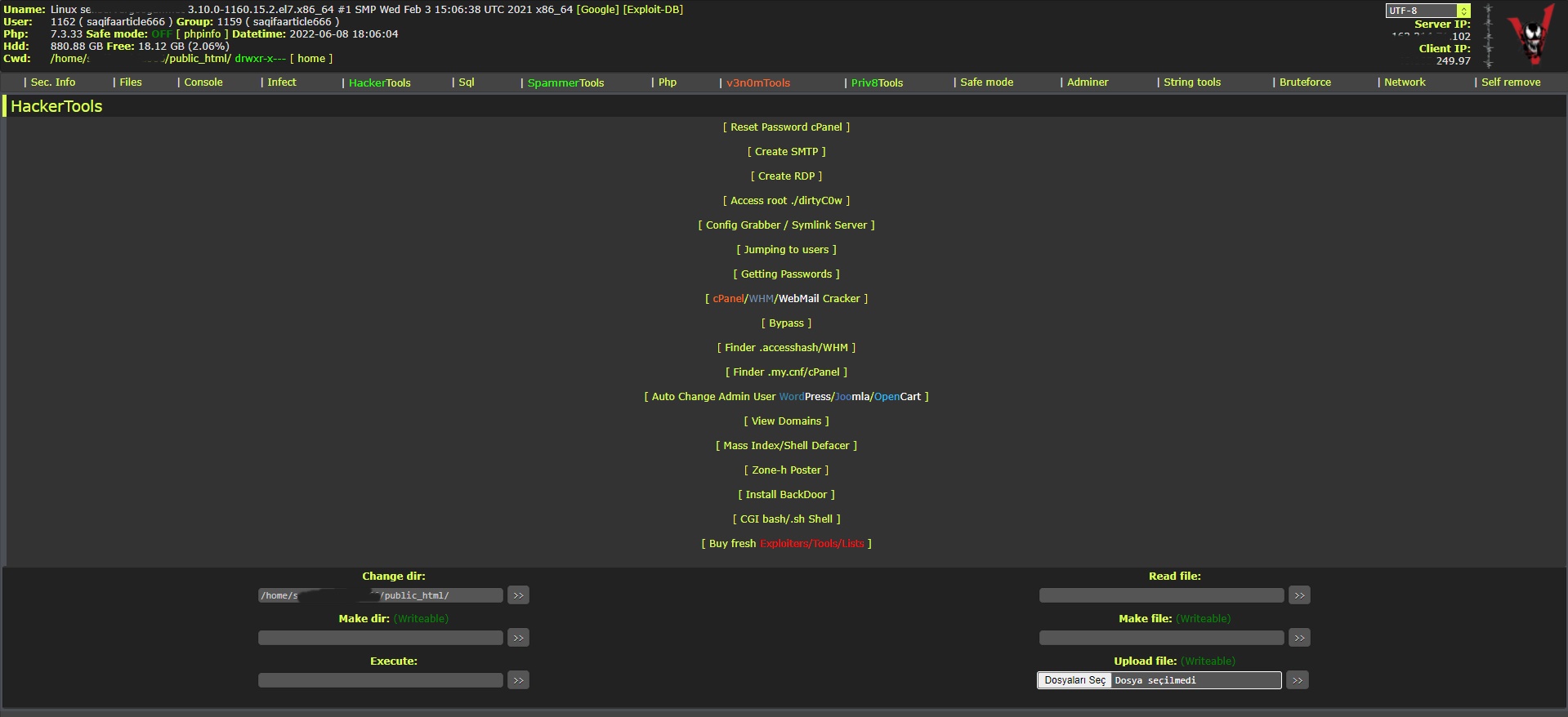
WAnonymousFox shell 2023
FoxAuto V8 [01] Mass Reset Password cPanel [02] Mass Finder SMTP + Create SMTP [03] Mass Finder Linux/Windows, cPanel/vHosts/Root [PWD|UNAME] [04] Mass Finder Accesshash [Reseller] + .my.cnf [cPanel] [05] Mass Get Config (cPanel/vHosts) server+Config404+ConfigCFS [06] Mass Get Config + Crack cPanel/WHM [07] Mass Get Config+Upload Shell on WordPress/Joomla/Opencart [08] Mass Get Root by ./dirty [PHP/BASH] [09] Mass Get RDP from Windows server [10] Mass Get Domains-List [11] Mass Get Emails-List [12] Mass Get Config + Emails-List [13] Mass Upload Mailer [Random] [14] Mass Upload File [Random] [15] Mass Upload Index + Post in Zone-h [16] Mass Upload Scam-Page/Zip-file + UNZip [17] Mass Check if Sending mail is Working or not! [Results delivery] [18] Mass Reports replacement Olux/xLeet/Other [19] From any Shell/UPloader, MASS Upload File Shell/Mailer [20] Reset Password cPanel + Finder/Create SMTP [together] [21] [All of them together] [22] Mass Finder SMTP + Create SMTP from cPanel [23] MASS Upload File Olux/xLeet/Other Shell/Mailer from cPanel [24] Mass Upload Scam-Page/Zip-file + UNZip from cPanel [25] Mass Check if Sending mail is Working or not! [Results delivery] [26] Mass Reports replacement Olux/xLeet/Other from cPanel [27] Mass login WordPress/Joomla/Opencart/Drupal + UPload Shell
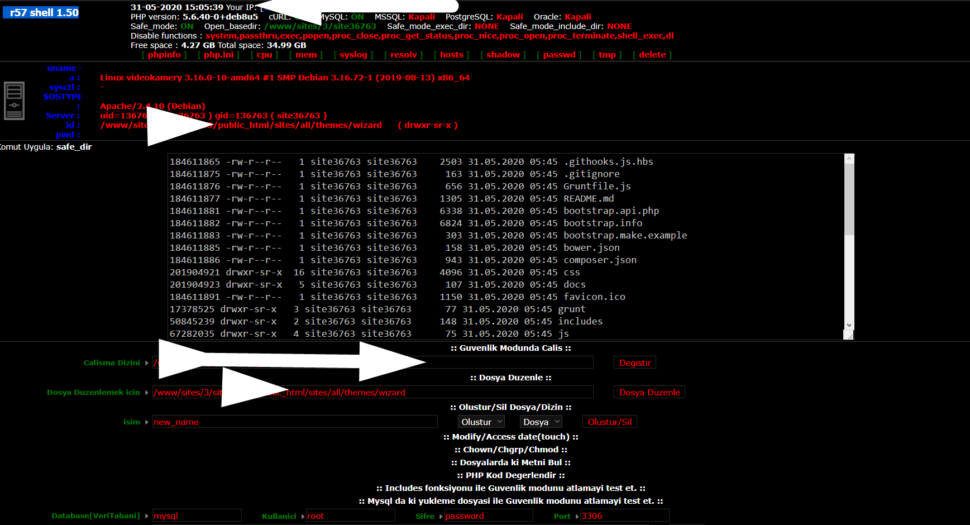
Wr57 shell txt
visit the most interesting R57 pages, well-liked by users from your country and all over the world, or check the rest of r57.biz data below. R57.biz is a website, reported to be malware-infected or hijacked, so you should stay away from it until the problem is resolved. We found that English is the preferred language on R57 pages. Their most used social media is Facebook with about 93% of all user votes and reposts.
Older revisions of the ASM1083 chip have known hardware bugs regarding PCIe payload sizes, which can cause Windows 10 to crash (Blue Screen of Death) during heavy data transfer.
This article will provide a deep dive into what the ASM1083 is, why you need the correct driver, and—most importantly—a step-by-step guide to successfully installing the driver on Windows 10 (32-bit and 64-bit).
Struggling with an Serial Port adapter on Windows 10? 🤬 asmedia asm1083 serial port driver windows 10
In conclusion, the ASMedia ASM1083 Serial Port Driver is a reliable and efficient software component that enables serial port communication on Windows 10 systems. The driver's ease of installation, compatibility with various devices, and stable performance make it a suitable choice for users who require serial port connectivity. While some users may encounter compatibility issues with specific devices or software applications, the ASMedia ASM1083 Serial Port Driver provides a solid foundation for serial port communication on Windows 10.
Installation steps (typical)
Check archive.org for potential chipset drivers or check your motherboard manufacturer's website for "ASM1083" or "PCIe to PCI Bridge" drivers. 2. Verify Legacy Device Functionality
This usually happens because of a resource conflict or a power management failure between the motherboard chipset and the legacy bridge. Older revisions of the ASM1083 chip have known
Many ASMedia driver conflicts were resolved in later versions of Windows 10, particularly after the "November Refresh" (Build 10586 or newer) 1.2.5 .
If the automatic search fails, force Windows to reinstall its native stack: 🤬 In conclusion, the ASMedia ASM1083 Serial Port
Right-click the ZIP file and select . Remember the folder location (e.g., C:\Drivers\ASM1083 ).
Update your chipset drivers from your motherboard manufacturer's website (e.g., ASUS, Gigabyte, ASRock) as they often include ASM1083 compatibility within their generic driver packages. 3. Manual Driver Installation Steps Download the driver file (usually a .zip file).